There are illustrated various traces of change when it comes to web-surfing of hypertext files on the Internet. Nevertheless, there hasn’t been quite much of an alteration on this field as some has managed to retain its approach when it comes to web-surfing of hypertext files.
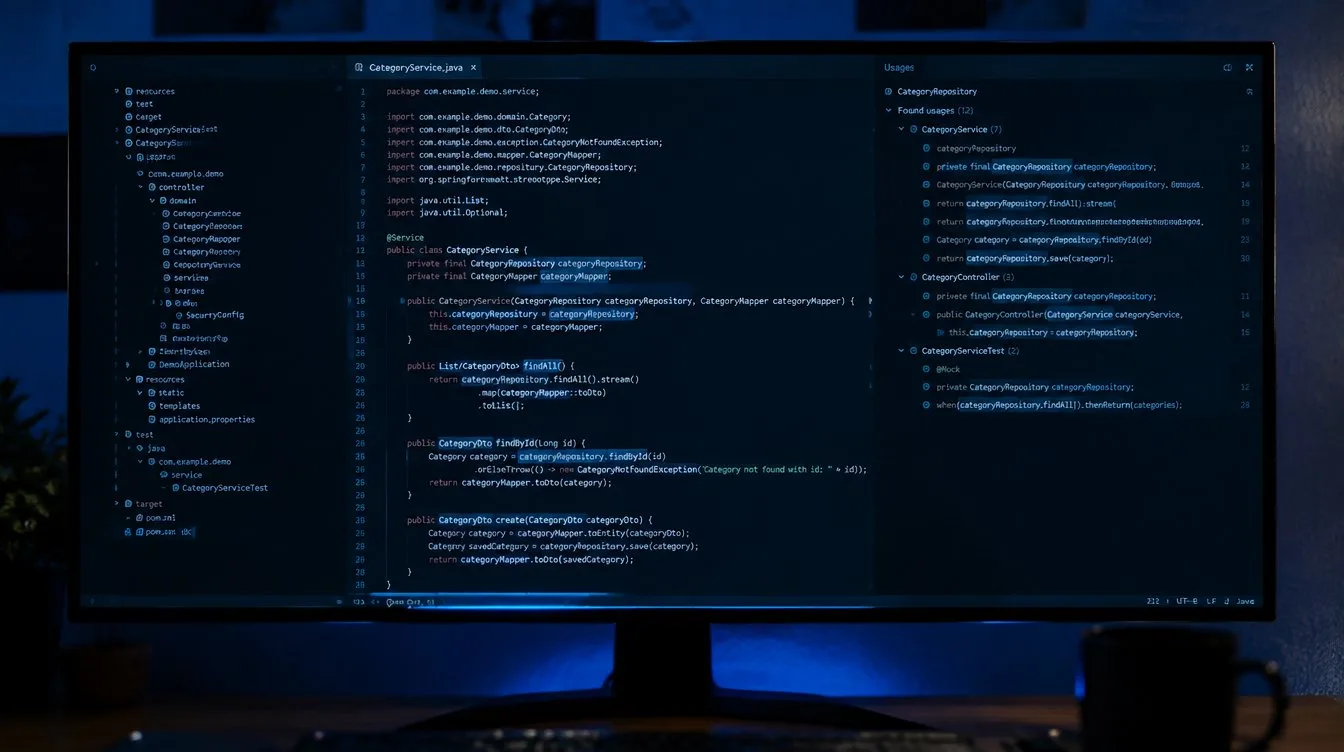
Following the course, it can be observed that merely by positioning the cursor on a symbol and hitting a hot-key can direct you to its definition. You can then go forward or backward through all usages then return back to the original position once done.
In cases where certain sets of ambiguities cannot be resolved statically in due to virtuality, there is an available special dialog which could be of assistance.
Along with the corresponding line of the source code, all usages of any symbols can be listed in a separate window. In addition, browsing can only be restricted to l-value usages for a variable or top-level procedure for a class name.
The cursor can then be positioned over a particular argument when browsing a method. This allows a room for manipulation after the approach.
Bear in mind that all program symbols can be browsed and this include package and class names, methods, attributes, labels, local variables and formal arguments.
The cross-reference file is generated after full parsing of sources. The name lookup then is conformed to the Java language standards, including overload and partial virtual resolution and symbol tables are constructed during the parsing.
An efficient update of tag file will reparse only those files which has undergone through the process of modification since the last cross-referencing. In addition, there is no need to worry when dealing with large projects as the tag file was very compactly designed.